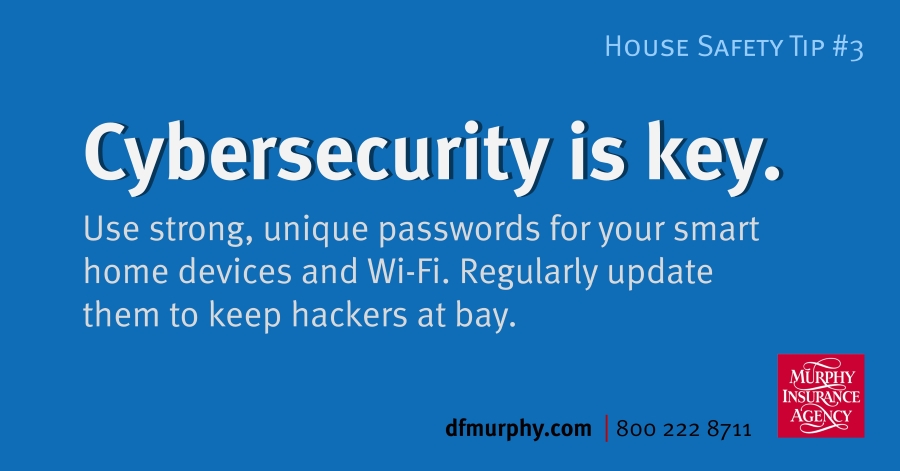
Here’s how to lock down your home network:
- Create unique passwords for each device and account
- Use a mix of uppercase and lowercase letters, numbers, and symbols
- Avoid using obvious choices, like birthdays, pet names, or “password123”
- Use a trusted password manager to keep track of credentials
- Enable two-factor authentication whenever possible
These small steps add up to a much stronger defense against unwanted digital access.
Update, Secure, Repeat
Keeping devices up to date is just as crucial as creating strong passwords. Software and firmware updates often include important security patches that fix vulnerabilities hackers may exploit. Ignoring them can leave your network exposed.
Make these cybersecurity habits part of your routine:
- Regularly update your Wi-Fi router and all connected smart devices
- Change your Wi-Fi password every 6–12 months
- Disable remote access or sharing features you don’t need
- Name your home network something generic (avoid using your name or address)
- Check device settings to ensure default usernames and passwords are replaced
A little vigilance today can prevent big problems tomorrow.
Smart Devices, Smarter Protection
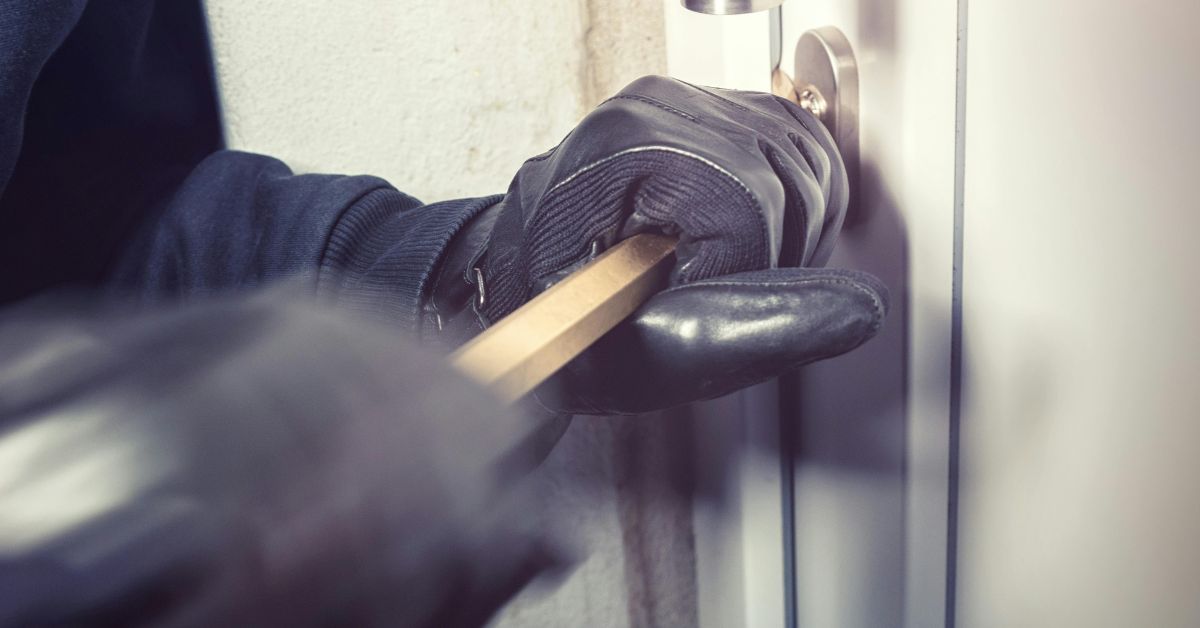
As smart home technology becomes more common, cyber safety becomes more essential. A compromised device doesn’t just put your data at risk—it can give someone virtual access to your physical space. Keeping your systems secure helps reduce the chance of digital break-ins, identity theft, or costly fraud, and it can also support any relevant claims if something goes wrong.
In a connected world, strong cybersecurity is part of smart home ownership. Lock it down, keep it updated, and stay one step ahead.


































 Your Renters Insurance Guide